


[ad_1]
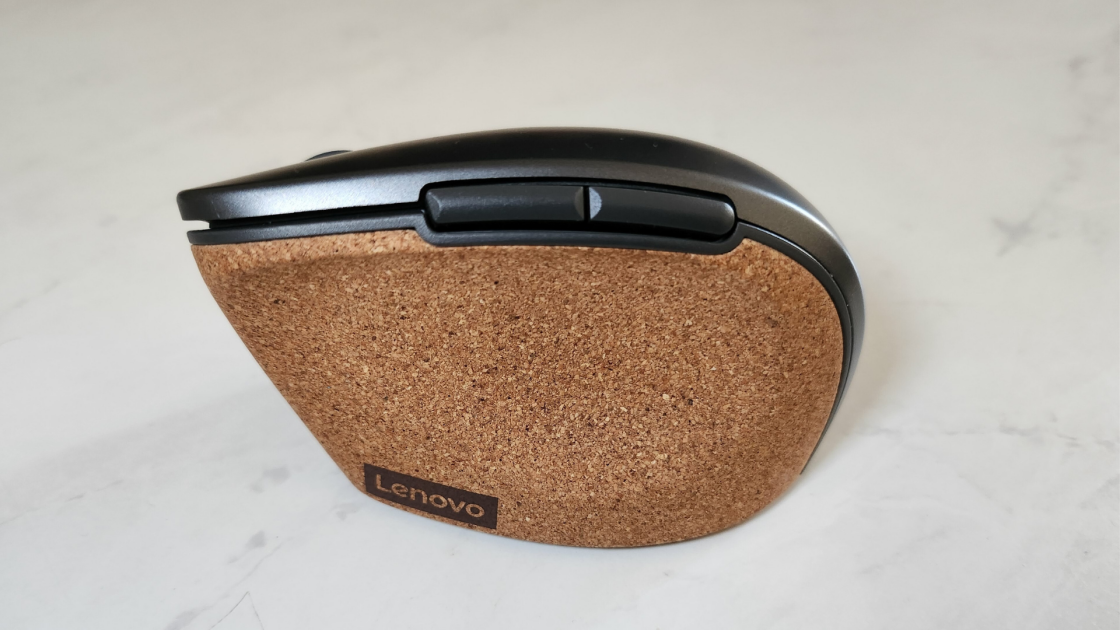
Lenovo is known for its professional, minimalist aesthetic, especially when it comes to PC peripherals. The Lenovo Go Wireless Vertical Mouse follows that tradition with an appealing corkboard material on a vertical grip that looks just as good on a desktop as it does on the table of your local coffee shop. But this ergonomic mouse doesn’t do quite enough to warrant a $49.99 asking price and unseat more traditional options like the Microsoft Ergonomic Bluetooth Mouse.
Handsome in Cork
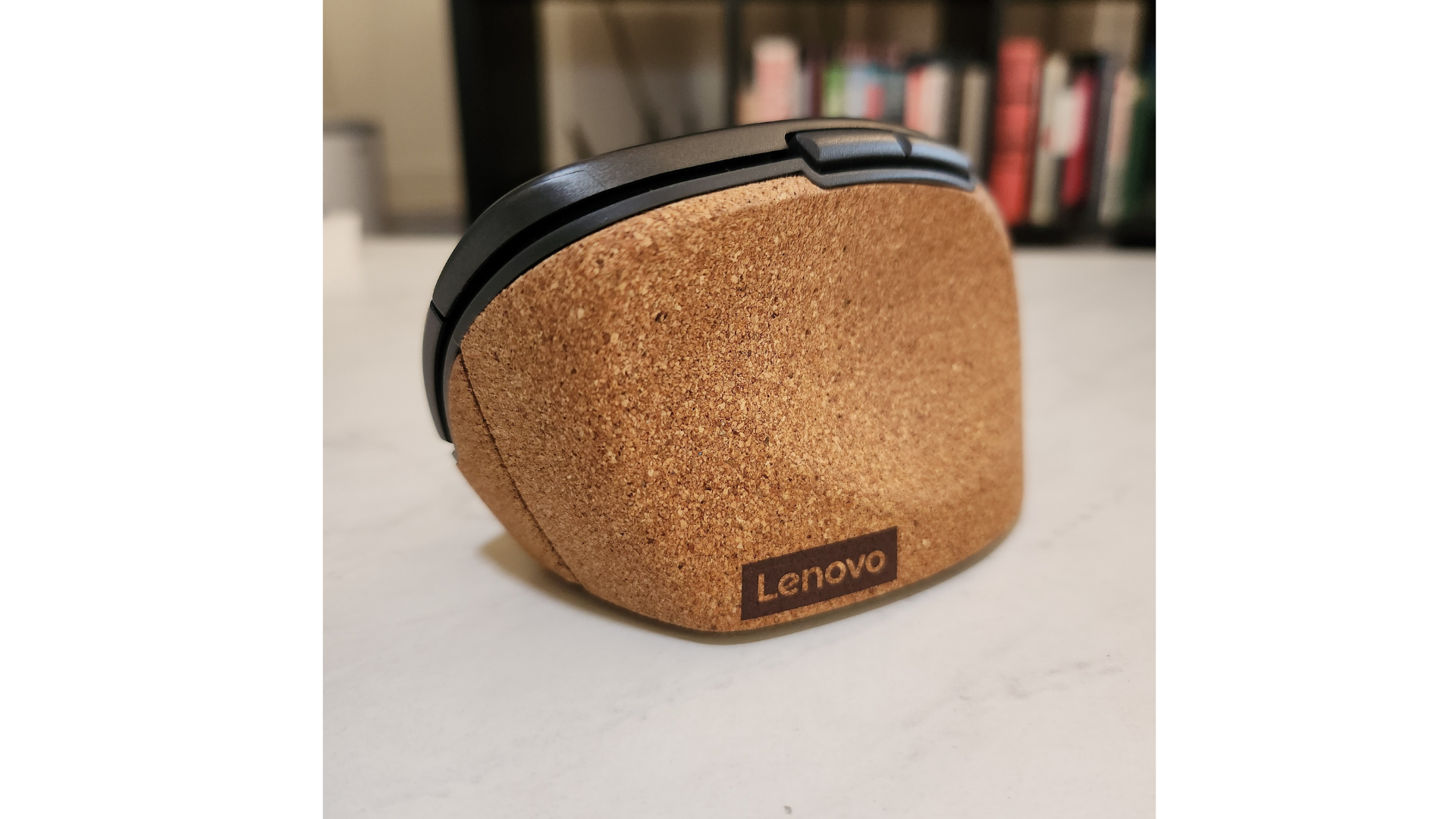
The Lenovo Go only comes in one color scheme, a near-gunmetal gray (Lenovo calls it Storm Grey) with a corkboard grip. It looks good in hand, and its neutral coloring helps it fit into almost all desk lineups. The mouse measures 2.44 by 4.09 by 2.48 inches (HWD) and weighs less than a quarter of a pound, which makes it small enough to toss in a backpack, but it might be cumbersome for people with larger hands. The vertical design is a good fit for most hand sizes, although left-handed individuals will bemoan the fact that Lenovo only offers a right-handed model.
(Credit: Francisco Lahoz)
The ergonomic peripheral has a total of six buttons: standard left- and right-click panels, a rubberized scroll wheel, and two side-mounted buttons that rest just within reach of your thumb between it and your index finger much like the Logitech MX Vertical mouse. Just below the scroll wheel is a DPI button, which lets you switch among three different sensitivities: 2,400dpi, 1,600dpi, and 800dpi. These presets can be changed with the Lenovo Central app (more on that later). The last button is on the bottom of the mouse, located between the sensor and the on/off switch. It lets you pair the mouse to a different Lenovo dongle in case you have multiple peripherals and want to consolidate to one receiver.

(Credit: Francisco Lahoz)
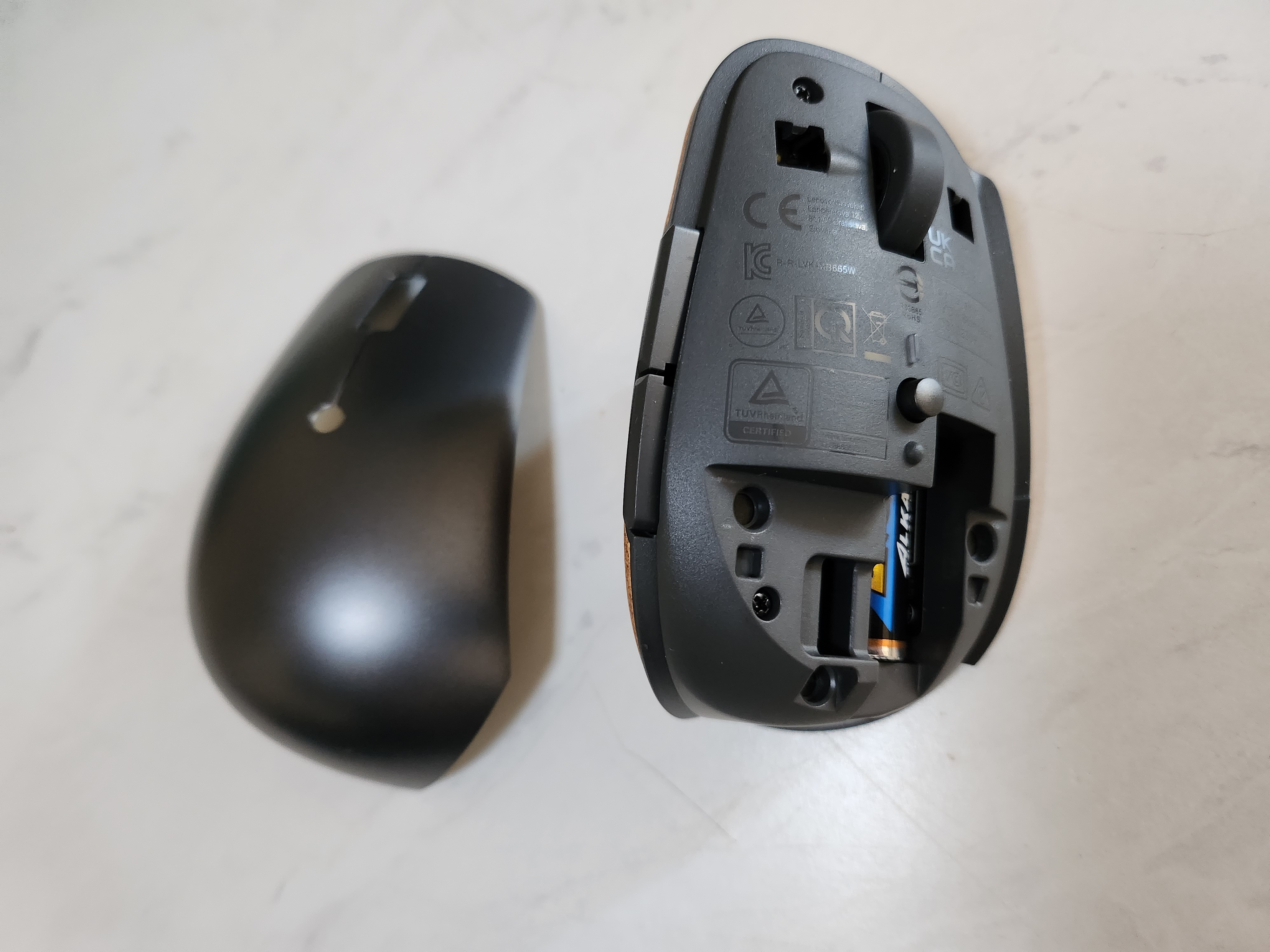
The plastic shell of the Lenovo Go can be removed to access the dongle and removable AA battery. Some mice of this price range have a rechargeable battery, but Lenovo states the battery should last up to 12 months of standard use, which should mitigate the hassle of replacements. The shell is kept in place by a pair of screws that cling to magnets on the base housing. It takes a deliberate amount of force to remove the shell, and it never felt loose in standard usage. The dongle is kept in place inside the mouse via a small friction clip, and while the battery has no locking mechanism to speak of, it’s housed within a recessed pocket inside the mouse.
Similar Products

Evoluent VerticalMouse C Right Wired
See It
(Opens in a new window)
Read Our Evoluent VerticalMouse C Right Wired Review
Logitech MX Master 3S Wireless Mouse
See It
(Opens in a new window)
Read Our Logitech MX Master 3S Wireless Mouse Review
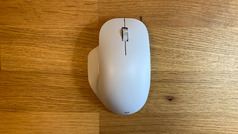
Microsoft Bluetooth Ergonomic Wireless Mouse
See It
(Opens in a new window)
Read Our Microsoft Bluetooth Ergonomic Wireless Mouse Review
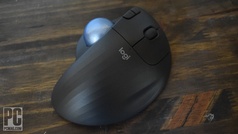
Logitech Ergo M575
See It
(Opens in a new window)
Read Our Logitech Ergo M575 Review
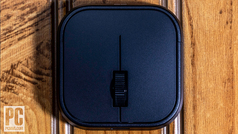
Microsoft Adaptive Mouse
See It
(Opens in a new window)
Read Our Microsoft Adaptive Mouse Review
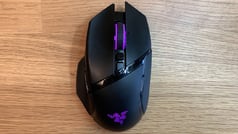
Razer Basilisk Ultimate Wireless Gaming Mouse
See It
(Opens in a new window)
Read Our Razer Basilisk Ultimate Wireless Gaming Mouse Review
Contour Unimouse
See It
(Opens in a new window)
Read Our Contour Unimouse Review
Goldtouch Semi-Vertical Wireless Mouse
See It
(Opens in a new window)
Read Our Goldtouch Semi-Vertical Wireless Mouse Review

Logitech Lift
See It
(Opens in a new window)
Read Our Logitech Lift Review
(Credit: Francisco Lahoz)
As much as I enjoyed the aesthetics of the mouse, actually using it was a mixed bag. The vertical design worked wonders for my wrist, but I found myself needing to readjust my finger placement as my ring and pinky fingers kept touching the desk. This finger placement may have been a personal problem, as I’m not used to ergonomic mice. The ergonomic mice I’ve used in the past, like the Logitech MX Master 3S, have a side scrolling wheel. I found myself instinctively moving my thumb to a wheel that just wasn’t there while browsing the web or scrolling through spreadsheets, an issue many will be able to overlook. Even after a few days of use, I still found myself reaching for it out of habit. The DPI switch takes some getting used to as well. Unlike the Logitech MX, the DPI button isn’t placed in an intuitive location that’s easy to reach. Unless you fully move your hand off the mouse you’d need to stretch your index finger way back to reach it.
The Software Is Central
The customization options for the Lenovo Go grow when paired with the Lenovo Go Central desktop app. The app can be used to reprogram the side buttons and central button, which defaults to the DPI switch. Options include things like double presses, specific keyboard inputs, and opening a frequently used app. You can also disable the central button entirely. If you own many Lenovo accessories, you can consolidate them all to a single dongle using the software.

(Credit: PCMag)
If you decide to keep the DPI switch, you can also adjust the three DPI presets to better match the speeds you need when working in different programs.
Verdict: A Beauty That Falls a Little Short
For all the aesthetic appeal the Lenovo Go has, a daily driver it is not. We’re major fans of its look, but after a few days of use, we really started to notice the limitations of such a budget mouse.
The lack of a side scrolling wheel and its small size are noticeable, and for its price, there should really be an option for a rechargeable battery. For better comfort, we instead recommend our Editors’ Choice pick, the Microsoft Ergonomic Bluetooth Mouse.
3.5

(Opens in a new window)
(Opens in a new window)
View More
The Lenovo Go Wireless Vertical Mouse is about as stylish as it is comfortable, but some missing features keep it from being the ergonomic mouse it should be.
[ad_2]
Source link : https://www.pcmag.com/reviews/lenovo-go-wireless-vertical-mouse



