


[ad_1]
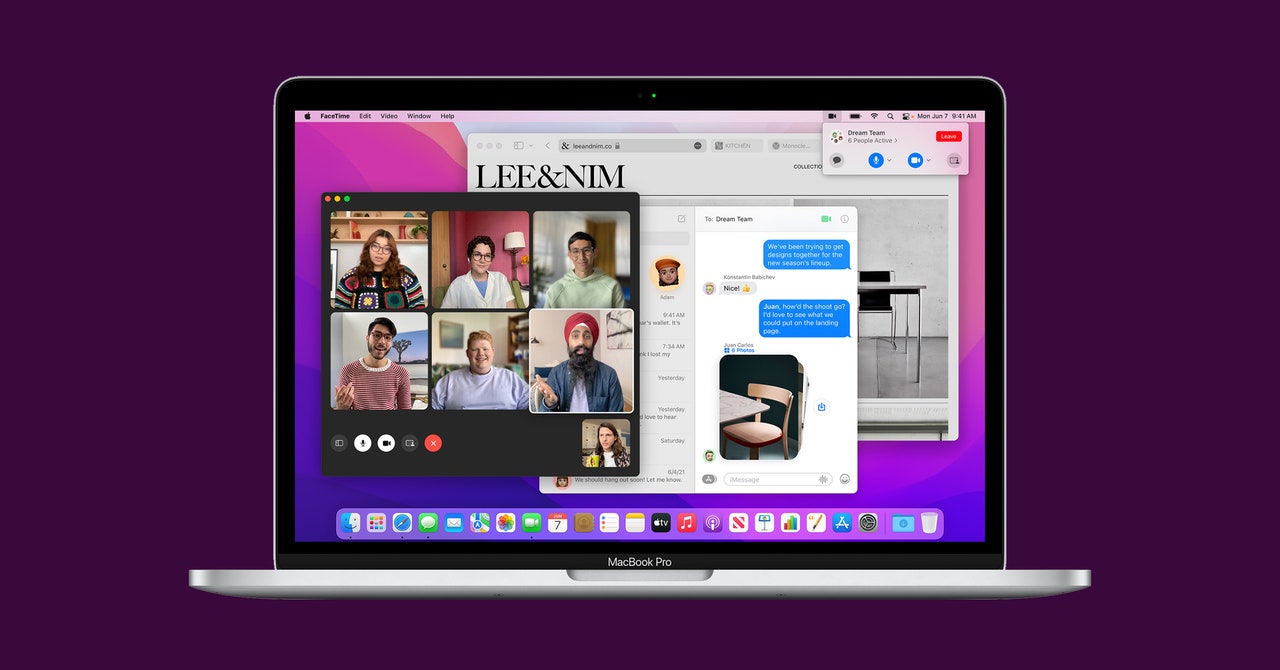
Your Mac has probably alerted you that a new software update is ready. That’s MacOS Monterey (also known as MacOS 12), the current version of Apple’s desktop operating system. It adds many of the same upgrades you’ll find on your iPhone or iPad running iOS or iPadOS 15, which is one of the benefits of Apple switching to its own custom silicon to power its desktop computers. That includes improvements to FaceTime, a Focus mode, and the ability to group tabs in Safari.
Before diving into all the new things that come with MacOS Monterey, here’s how to download it to your desktop.
Updated March 2022: We’ve added details on Universal Control, which is now available on MacOS Monterey 12.3.
Is your Mac compatible with the new operating system? These models support it:
- MacBook: Early 2016 and later
- MacBook Air: Early 2015 and later
- MacBook Pro: Early 2015 and later
- Mac Mini: Late 2014 and later
- iMac: Late 2015 and later
- iMac Pro: 2017
- Mac Pro: Late 2013 and later
You can find out your Mac model by tapping on the Apple icon in the menu bar and going to About This Mac. If you’re upgrading from MacOS Sierra or later, you’ll need at least 26 GB of available storage to be able to download and install Monterey. Upgrading from an even earlier version? You’ll need up to 44 GB of free space. Our guide on freeing up space on your laptop might help.
There’s one more step you should take before installing the OS: Back up your Mac. You can do this by either backing up your files with Time Machine or storing your files in iCloud. Apple has step-by-step instructions for both methods here.
To download MacOS Monterey, click on the Apple menu in the left-hand corner of the display. Then click System Preferences > Software Update > Update Now (or Upgrade Now). Then sit back and relax, as the download and installation will take some time.
Before you get too excited about the update, there’s one caveat: Some of the new features are only available on M1-powered Macs. M1 is the custom processor Apple introduced in 2020 with the MacBook Air, MacBook Pro, and Mac Mini, and it shares the same architecture as the chips powering the iPhone and iPad, allowing these machines to have greater feature parity. This is Apple’s way of nudging you to a new MacBook, but all is not lost. Intel-powered Macs can still take advantage of most of the new perks.
To save you Intel Mac owners from sifting through features you can’t use, here’s exactly what won’t work on your machine:
- FaceTime Portrait Mode
- Maps features, including the 3D interactive globe and detailed maps
- Spatial Audio with AirPods (third-generation), AirPods Pro, and AirPods Max
- On-Device Dictation with offline processing
- Siri Text-to-Speech in additional languages
[ad_2]
Source link : https://www.wired.com/story/apple-macos-monterey-features/



